Native macOS · Open source · Shipped
NotchKo
A Dynamic Island for the MacBook notch. Event-driven, down to idle.
- Role
- Solo developer
- Year
- 2026
- Stack
- Swift · SwiftUI · AppKit · Combine · Core Animation
Overview
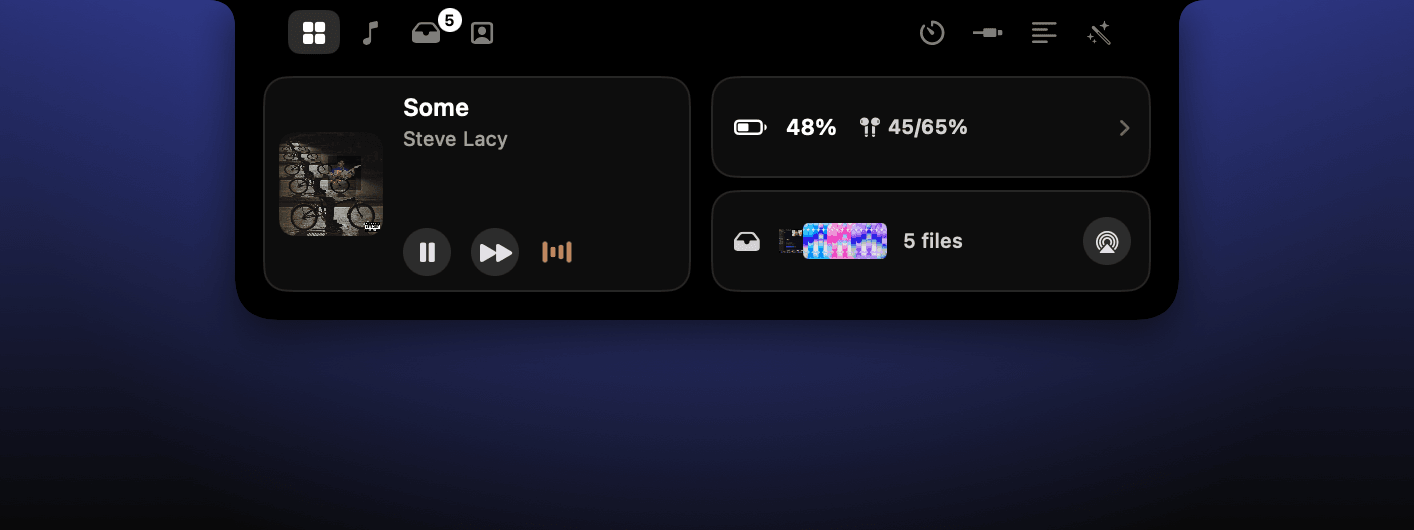
A native macOS app that turns the notch into a panel for music, files, clocks, devices, image tools, a teleprompter, and a mirror.
Built around an event-driven architecture: 0% CPU while idle and around 30 MB of memory. Timings use wall-clock anchors, and the collapsed equalizer runs through Core Animation rather than a main-thread timer.
Why I built it
The notch is useful space, but the apps I tried kept doing work in the background. NotchKo keeps music, temporary files, timers, connected-device details, image tools, a teleprompter, and a mirror within reach while behaving like a quiet system utility when closed.
Zero-work idle architecture
Spotify, charging, Bluetooth, and timers push notifications into the app; nothing polls. Elapsed and remaining times are derived from wall-clock anchors, so closing the notch stops all timer work. The collapsed equalizer runs as a Core Animation loop in the system render server: I measured about 9% WindowServer usage while music plays and 0% from NotchKo itself.
Native systems engineering
The app uses public macOS APIs only. Spotify integration relies on its scripting interface and playback-change broadcast, while panels are keyed by CGDirectDisplayID so they survive resolution and display changes. It ships as a Swift Package with a custom bundling and code-signing script rather than an Xcode project.
The essentials around the notch
Hovering the notch opens a compact control surface for current playback, connected devices, battery state, parked files, clocks, and utilities without creating a normal app window.
Useful even when it is closed
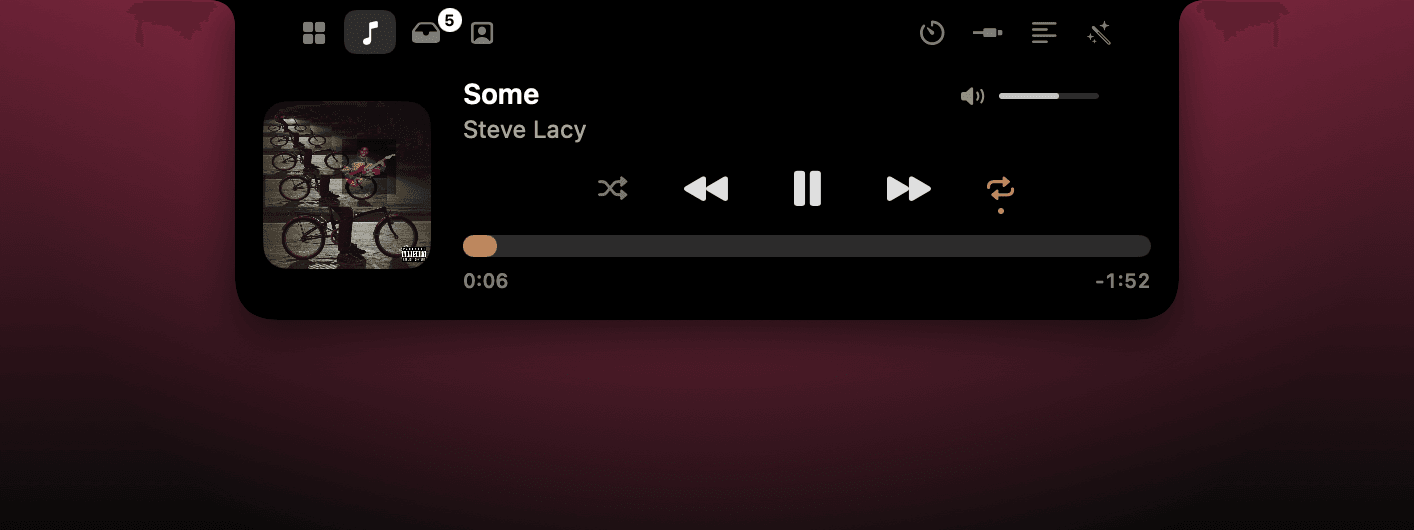
The pill keeps album art and a dominant-colour equalizer visible during playback. The animation is handed to Core Animation instead of keeping the app's main thread awake.

Spotify controls without polling
Now Playing includes artwork, seeking, shuffle, repeat, play controls, and Spotify's own volume. Playback changes arrive through Spotify's public scripting interface and broadcast notifications.
Park files at the top of the screen
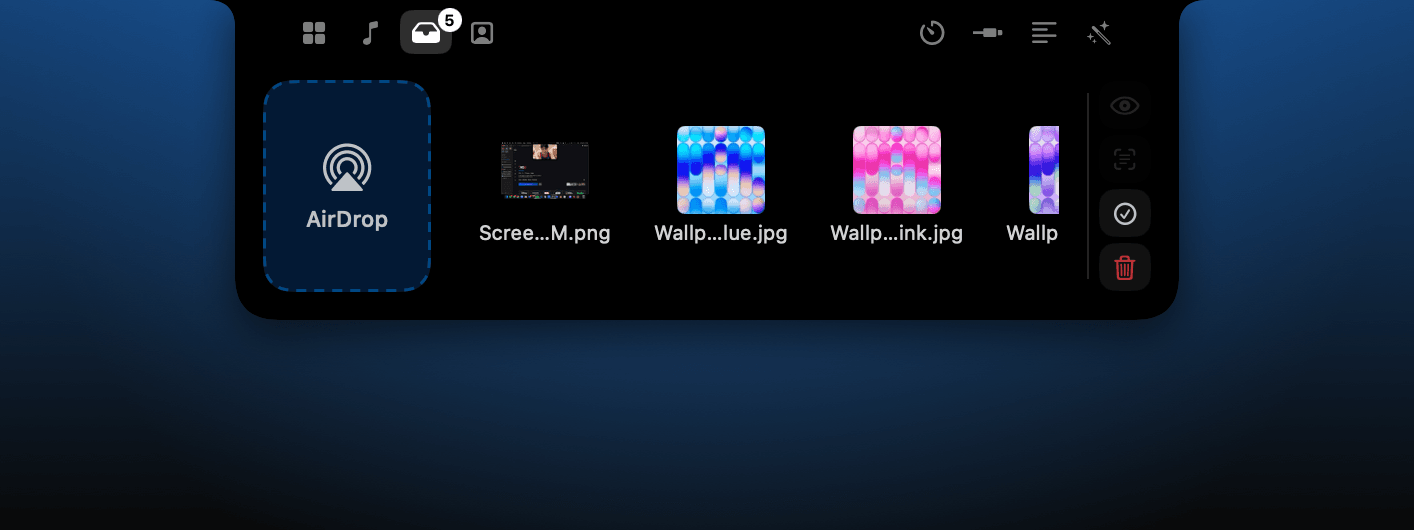
Any file can be dropped onto the notch, including macOS screenshot thumbnails that still exist as file promises. Files support multi-select, grouped drag-out, Quick Look, and an AirDrop drop zone.
Timers that stop working when hidden
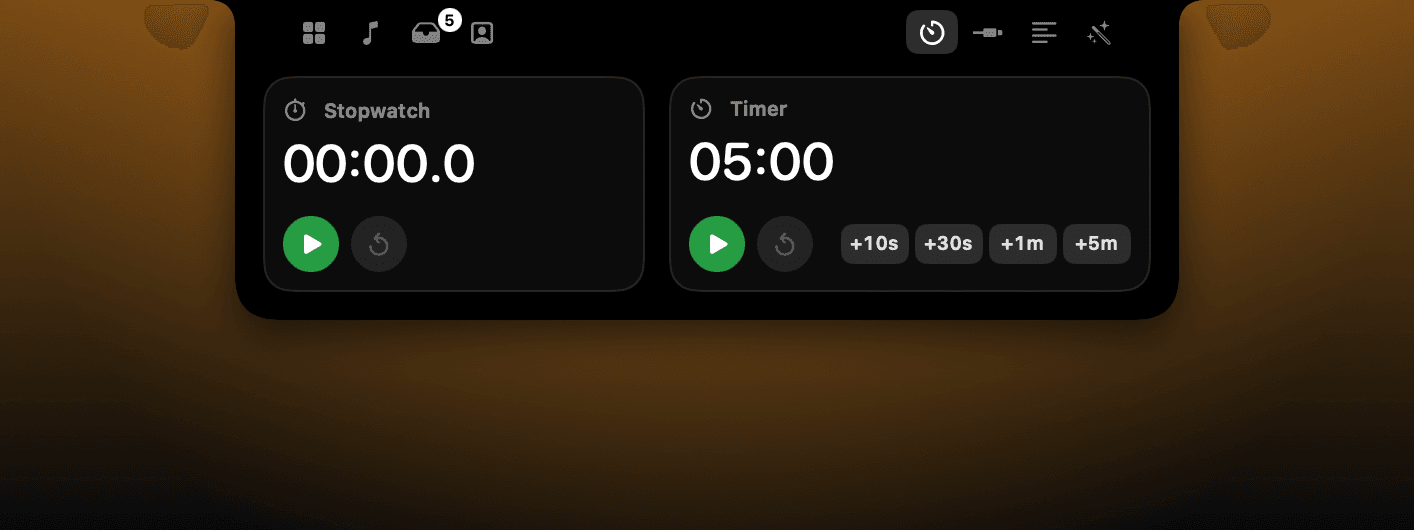
The clock combines a stopwatch with a flexible timer: drag the digits or type values such as 1h20m. Countdown state comes from wall-clock anchors, so the closed pill can show accurate time without a running timer loop.
Hardware status in one glance
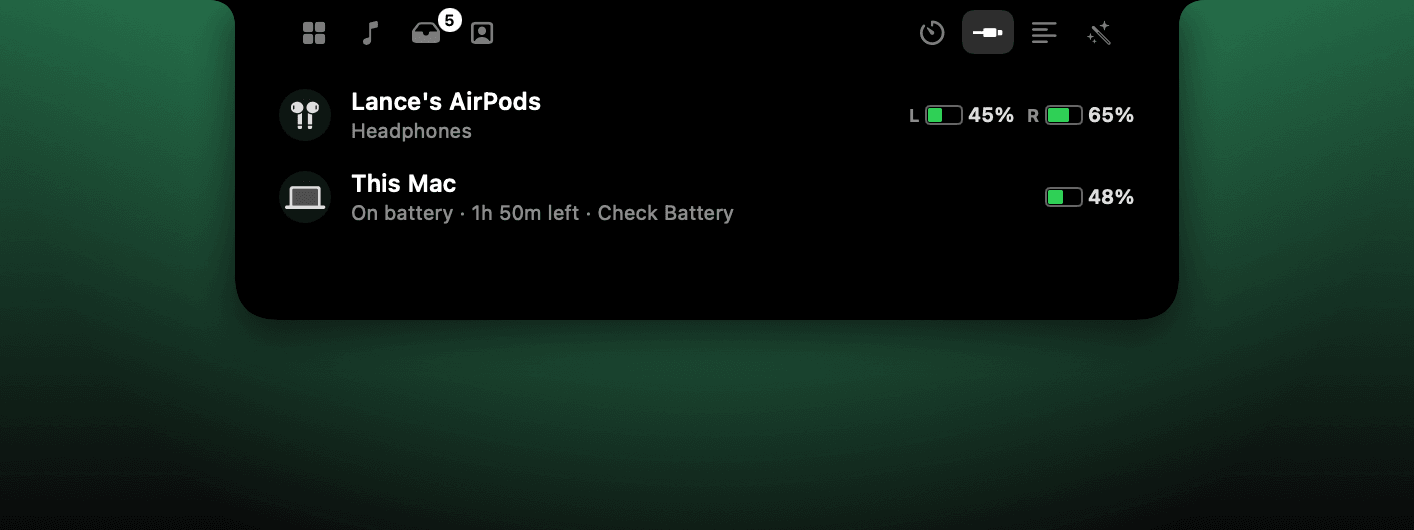
The devices panel surfaces AirPods left, right, and case battery, charger wattage, Mac battery health and time remaining, Bluetooth accessories, and external displays.
Small image jobs without another app
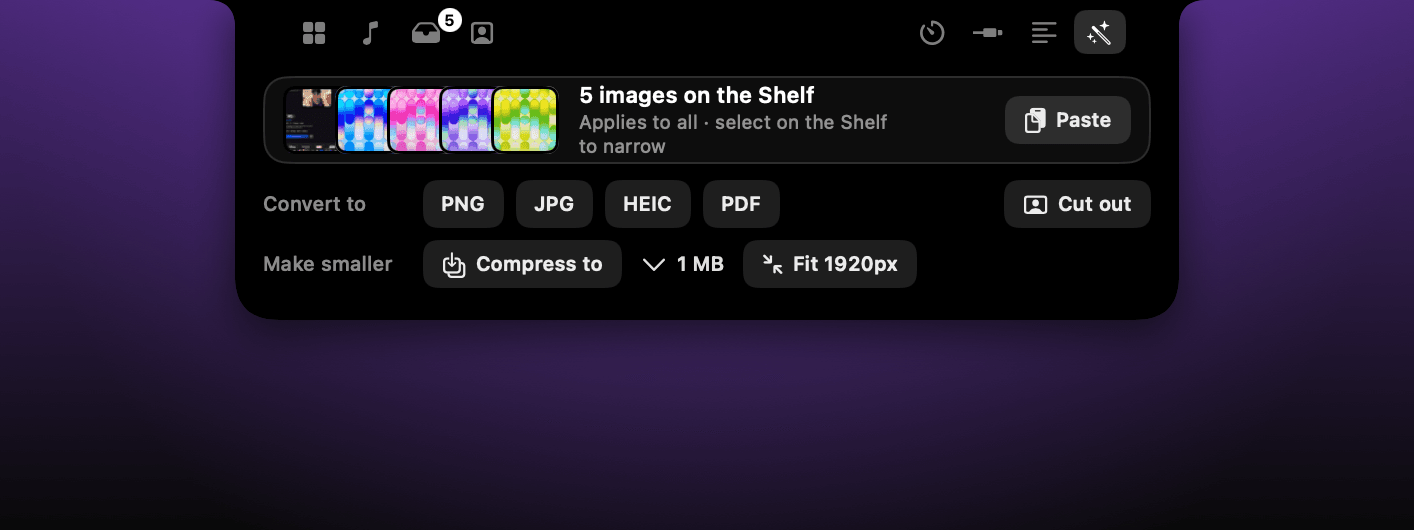
Shelf images can run OCR to the clipboard, remove the foreground into a transparent PNG, convert formats, or compress toward a selected target between 200 KB and 5 MB.
Keep the script close to the lens
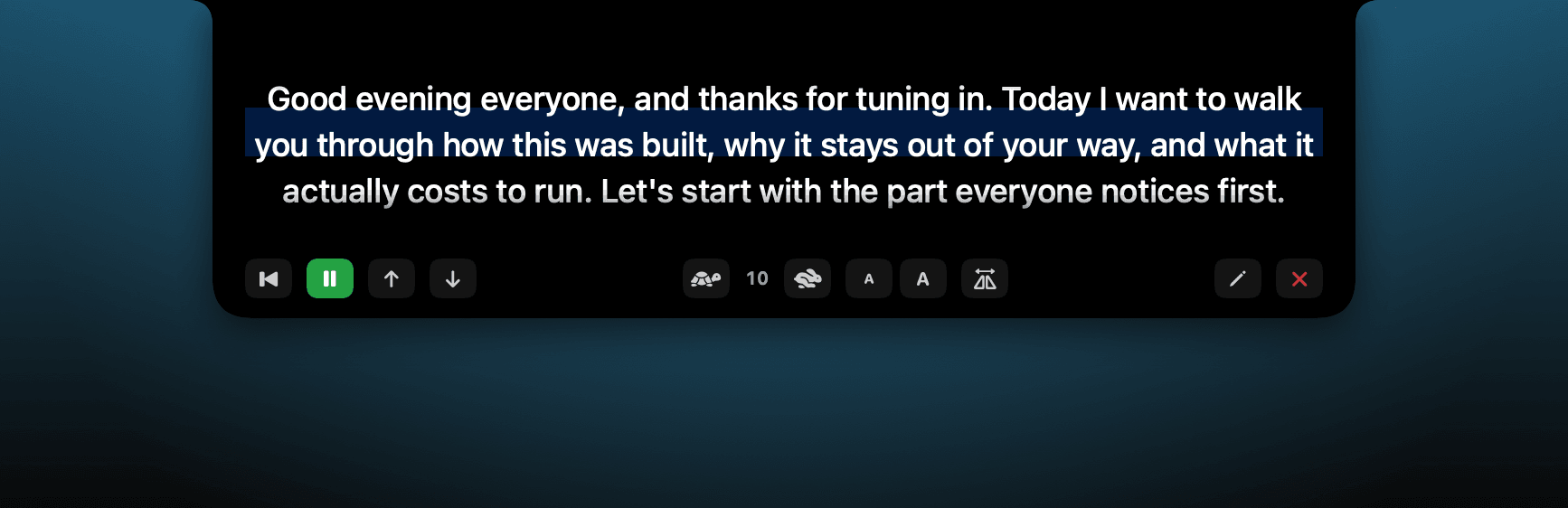
The notch widens into a low reading strip with auto-scroll, speed, text-size, and mirror controls. Its extra-wide screenshot keeps its natural aspect ratio in this gallery.
A camera check where you are already looking
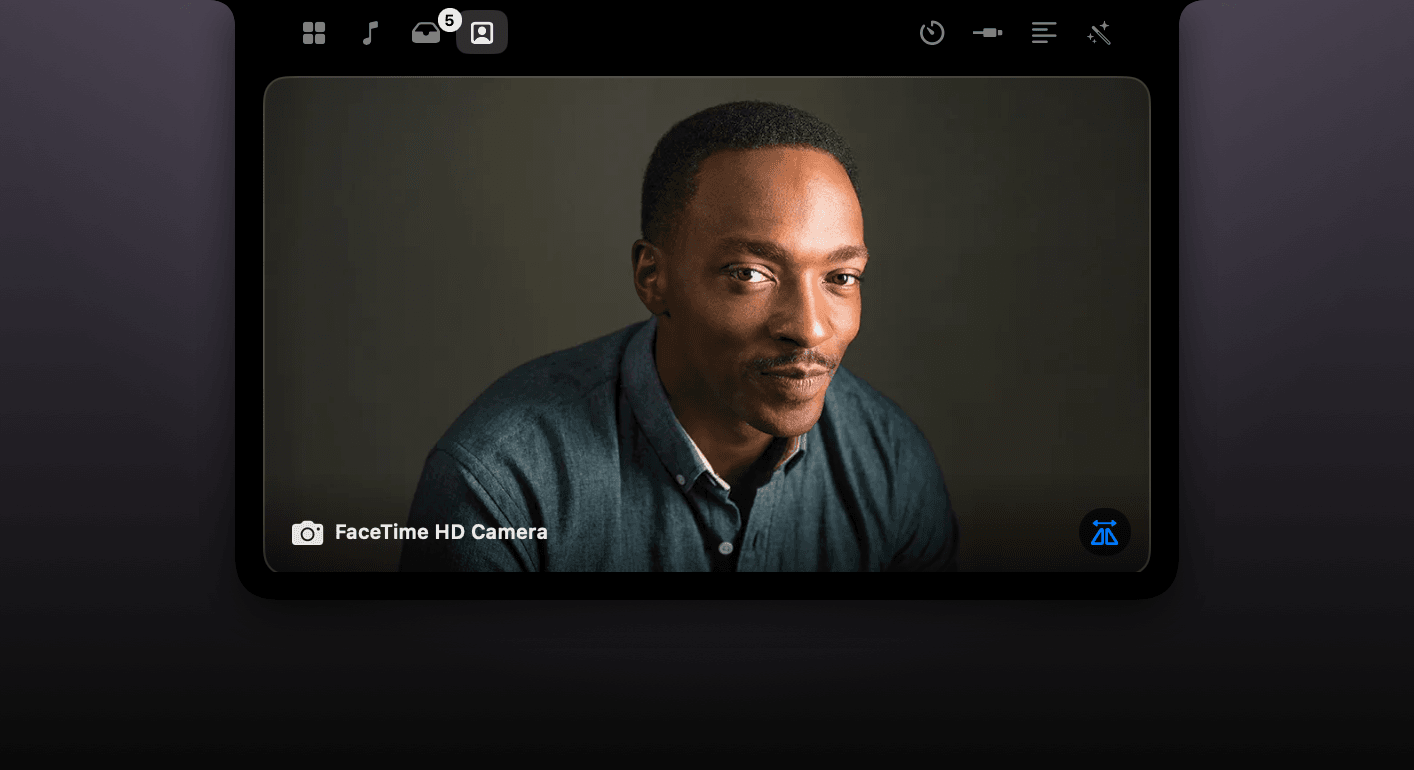
The mirror opens directly below the camera for a fast framing check and includes a source picker when more than one camera is available.
Present at login, invisible in the Dock
NotchKo runs as a background agent with no Dock icon or normal window. A brief greeting confirms it is ready, then the utility stays out of the way until the notch is hovered or opened by hotkey.
